Introducing Video Popup in Ink Player
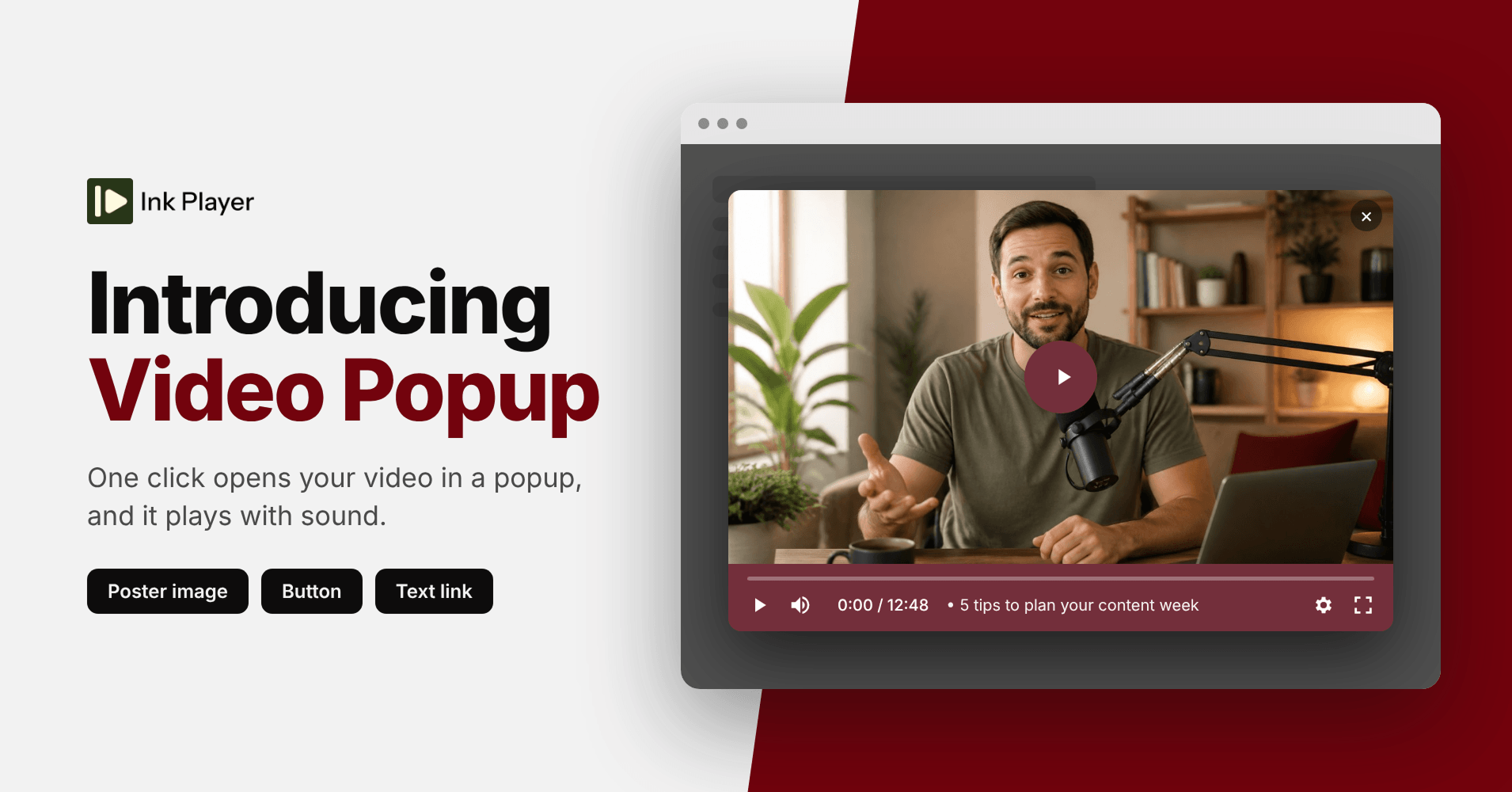
Your videos can now open in a popup. One click, and your video fills the screen and starts playing. With sound.
Video popup is new in Ink Player 1.0.3. It works with any video in your library, and you can set it up in under a minute.
Why a popup beats an inline player
Browsers block autoplay with sound. An inline player has to start muted, and most visitors never unmute it.
A popup is different. The visitor clicks to open it, and that click tells the browser it’s okay to play sound. Your message lands the way you recorded it.
There’s a speed bonus too. Nothing loads until someone clicks. Your page stays light, even with a video on it.
Choose what opens it
You decide what visitors click. Pick the one that fits your page:
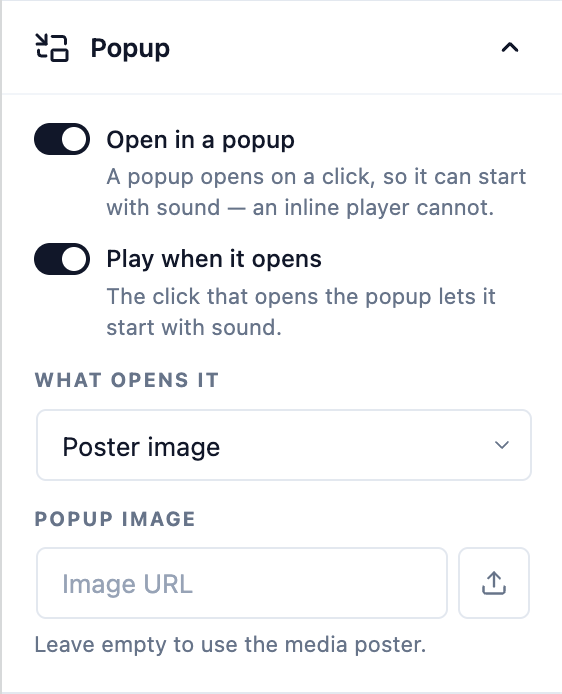
- Poster image. Show a thumbnail. Visitors click it to watch. Great for landing pages and hero sections.
- Button. Add a clear “Watch the demo” style button. Perfect next to a headline or a pricing table.
- Text link. Drop a link right inside your copy. Ideal for blog posts and docs, where a full player would feel heavy.
How to turn it on
- Open any video in your Ink Player library, or select the Ink Player block in the editor, and find the Popup panel.
- Switch on Open in a popup.
- Switch on Play when it opens so the video starts the moment the popup appears.
- Under What opens it, choose Poster image, Button, or Text link.
- Save your changes.
That’s it. Every page that uses this video now shows the popup, because you edit the video once and it updates everywhere.
Try it today
Video popup is available now in Ink Player 1.0.3. Already a customer? Update the plugin from your WordPress dashboard and open the Popup panel.
New to Ink Player? Every plan includes every feature, video popup included.