Introducing Ink Player – the Ultimate Video Player Plugin WordPress Needs
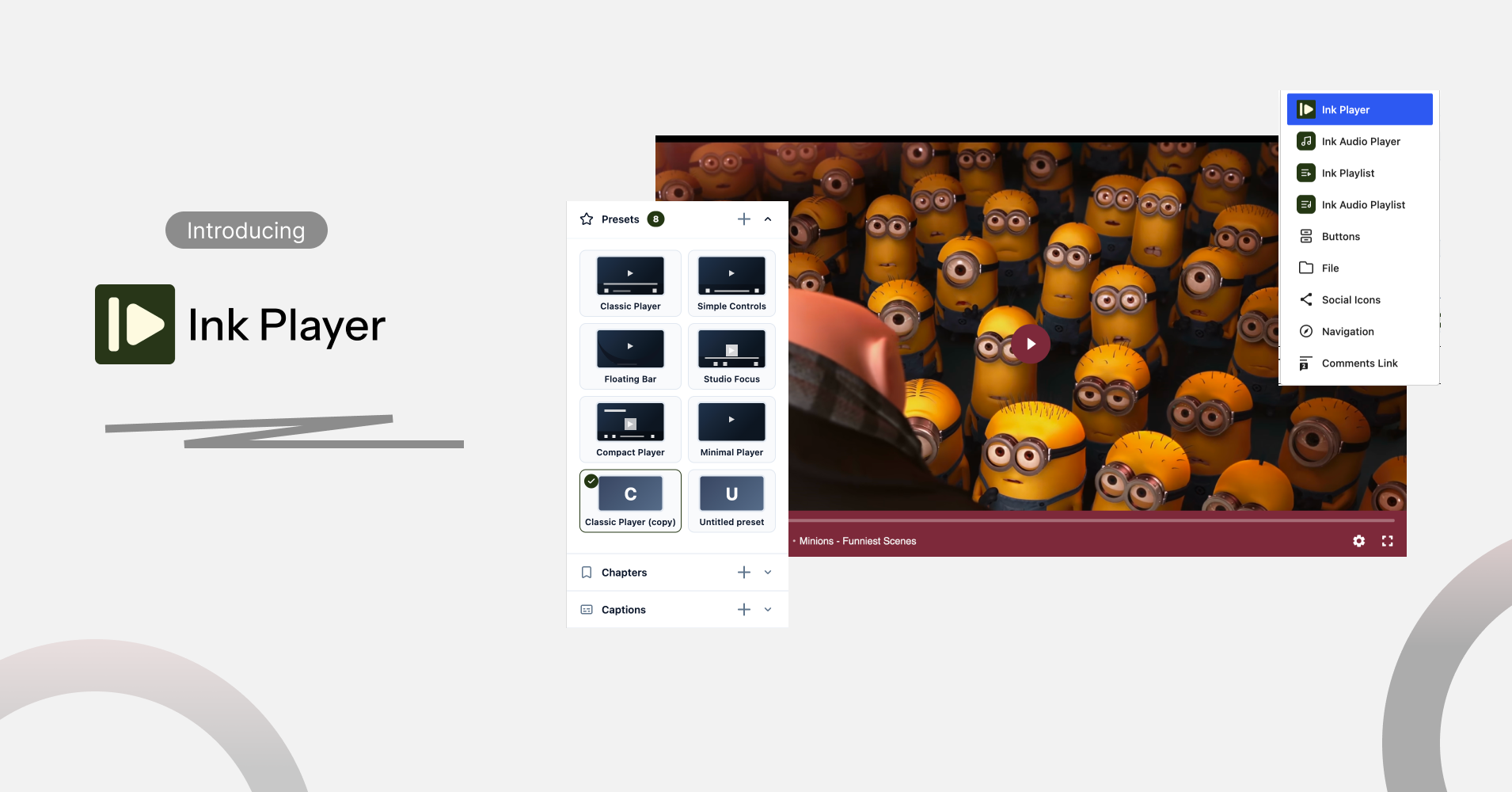
Today we’re launching Ink Player, a video and audio player built for WordPress.
It’s designed for creators, educators, businesses, and site owners who want more from their media than a basic embed. Whether you’re running a course, a podcast, a product page, or a personal blog, Ink Player gives you a player that looks great and works the way your content needs it to.
Let’s get into why we built it, what it does, and how it can fit into your site.
Why we built Ink Player
Most WordPress sites still lean on the default video embed. It plays the file. That’s about it.
The problem is that video has become central to how people learn, shop, and follow creators online. A player that only presses play isn’t enough anymore. Site owners want to capture leads from their videos, not just views. They want to organize long content into chapters. They want to know if anyone actually watched to the end.
Existing solutions often force a trade-off. Some players are simple but limited. Others pack in every feature imaginable, then bury them behind a complicated setup or a steep price tag.
We wanted something different: a player that’s genuinely easy to set up, but doesn’t skimp on the tools that make video part of your site’s experience instead of just a box sitting inside it.
What is Ink Player?
Ink Player is a WordPress plugin that replaces your default video and audio embeds with a fast, customizable player.
It works with self-hosted files as well as YouTube, Vimeo, Bunny.net, Cloudflare, and Mux, so you’re not locked into one way of hosting your content. It handles video and audio, including podcast-style episodes.
In plain terms, Ink Player is a WordPress media player designed to give you more control over how you present, distribute, and engage audiences with your video and audio content.
It drops into posts, pages, and page builders through a native Gutenberg block, shortcodes, or supported page builder integrations, so it fits into the site you already have.
Creators, educators, businesses, podcasters, and bloggers can all use it. If you’re publishing media on WordPress, there’s a good chance Ink Player has something for you.
What makes Ink Player different
Rather than list every setting, here’s what actually sets Ink Player apart:
- A beautiful, customizable player with multiple presets and full branding control
- Built with content creators, educators, and marketers in mind
- Built-in lead generation through email capture and CTA overlays
- Video and audio chapters, plus playlists for both formats
- Private video delivery and password protection
- Granular media analytics, including watch time and drop-off data
- Muted autoplay for landing pages and blog feeds
- Support for six media sources, from self-hosted files to Bunny.net and Mux
That’s a lot packed into one plugin, but none of it requires custom code to use.
A closer look at the key features
Lead capture
Turn your videos into a way to grow your list instead of just racking up views. Add email opt-in forms and CTA overlays at specific points in the timeline, so you’re asking at the right moment, not just at the start or end.
Video and audio chapters
Long videos and episodes are easier to sit through when viewers can jump straight to the part they need. Chapters give your audience that control, which keeps them watching instead of scrubbing around or giving up.
Playlists
Playlists keep visitors on your content longer by surfacing what to watch next. Ink Player supports video and audio playlists, and you can import existing playlists straight from YouTube and Vimeo.
Media analytics
You can’t improve what you can’t see. Ink Player’s analytics show plays, watch time, engagement, and where viewers drop off, all from your WordPress admin panel, with Google Analytics integration available too.
Private and protected video
Not every video is meant for the public. Ink Player supports private video delivery and password protection, so you can control exactly who sees what.
Multiple media sources
Use whatever hosting fits your workflow. Ink Player works with self-hosted files, YouTube, Vimeo, Bunny.net, Cloudflare, and Mux, so you’re not stuck rebuilding your setup around one provider.
Built for different use cases
Ink Player was built to flex across the kinds of sites that rely on video and audio every day:
- Content creators — present your work in a clean, branded player without third-party distractions
- Online educators — deliver courses and tutorials with chapters, playlists, and a distraction-free viewing experience
- Businesses — showcase product demos and webinars with fast-loading, on-brand video
- Podcasters — host video and audio episodes directly on your own site
- Membership sites — protect premium content with private video and password protection
- Bloggers — give your videos a home that matches the rest of your site’s design
If you saw yourself in more than one of those, that’s the point.
Ink Player vs. a basic video embed
A standard WordPress video embed does one job: it plays the file. That’s fine for a quick clip, but it starts to show its limits once video becomes a bigger part of your site.
A dedicated media player like Ink Player adds a layer on top of that basic playback:
- Branding — style the player to match your site instead of showing a generic default
- Controls — presets and settings you can actually adjust, not a fixed one-size-fits-all bar
- Organization — chapters and playlists that help viewers navigate and discover more content
- Engagement — lead capture and CTA overlays that turn a view into an action
- Insight — analytics that tell you what people actually watched
- Experience — a player that feels like part of your site, not an embedded box someone else built
None of this makes basic embeds useless. It just means there’s a category of tools built for sites that need more, and that’s where Ink Player lives.
What’s next?
This is our first release, and we’re genuinely excited to get it into people’s hands.
Building Ink Player meant spending a lot of time thinking about what actually frustrates people about video on WordPress, not just what looks impressive on a features page. Some of what shipped today came directly from conversations with early testers who pushed back on things that didn’t quite work yet.
If you’re one of the people who tried an early version, thank you. This release is better because of that feedback.
We’re not done. We’re actively building, and we’d genuinely like to hear what you think once you’ve had a chance to use it. Good, bad, or somewhere in between.
Ready to give your WordPress videos a better player?